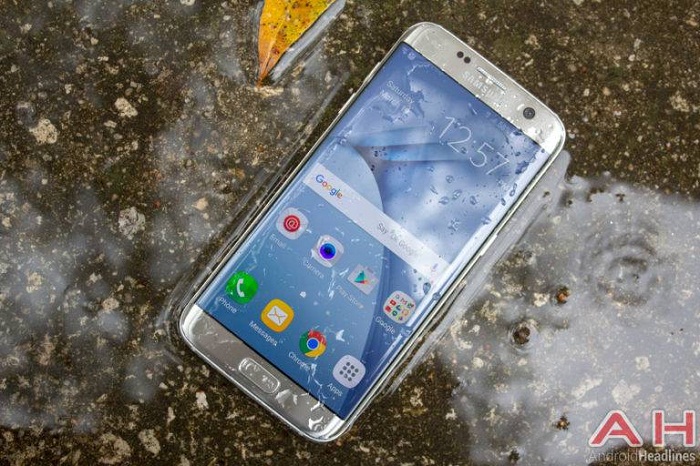
If you haven’t already received the notification prompting you to update your device, you could check whether this bug fixing update is available for your Galaxy S7 Edge, and all you have to do is proceed to Settings, select About Device, tap on Software Update, and tap the option titled Download Updates Manually. On the other hand, you could wait for the system to prompt you to install the latest update when it is available for your device. However, for that to happen, you will need to have at least 50% of battery life remaining in your device or it is plugged into an outlet. As this bug fixing update is being delivered over-the-air (OTA), it might take a few days for you to receive it as it is released to compatible devices in stages to avoid the possibility of the servers being overloaded. It should be noted that this update is currently being pushed out to the Galaxy S7 Edge, and not the smaller Galaxy S7, though the smaller handset may receive a similar update in the coming days.
South Korean electronics giant Samsung, began pushing out the Android 7.0 Nougat update to the Galaxy S7 and S7 Edge a few weeks. However, most regions only began receiving the update last week and the update brings a ton of new features to both devices. The two flagship devices from Samsung has been selling incredibly well, especially after the plug was pulled on the Galaxy Note 7. Samsung is expected to announce the Galaxy S8 in a few months time.
More about:


-1780923278.jpg&h=190&w=280&zc=1&q=100)